

Use cases in Execution
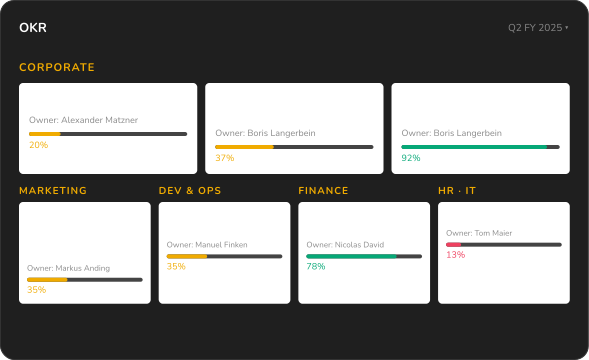
Translate strategy into measurable results. The ValueWorks OKR 2.0 module connects controlling and OKR — so growth follows your plan.





"ValueWorks provides us with the benefit of seeing all KPIs in one dashboard. And one of the best features is, the automatic updates and the linking of the KPIs with your OKRs."

The ValueWorks OKR 2.0 methodology ensures the long-term success of your company's OKR management

KPI library
The ValueWorks OKR 2.0 methodology leverages existing integrations to operational systems and the associated standard KPI library within the ValueWorks OKR 2.0 module.
Automatic update
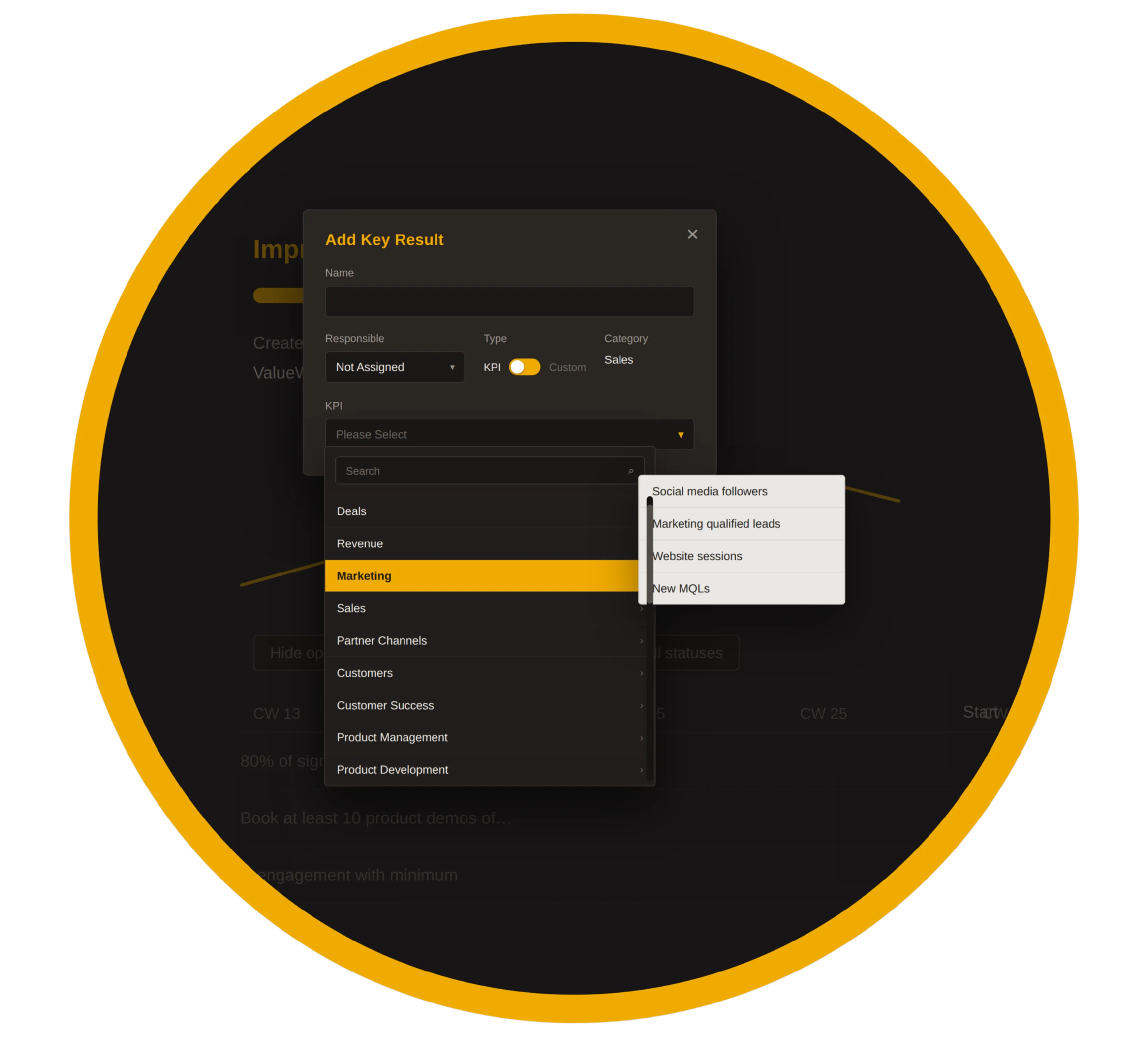
KPIs can now also be selected from the reporting module to measure "key results". As a result, actual values are reported automatically and continuously — without the need to check the figures.
Customization
In addition, users still have the option to define custom "Key Results" that they can later convert into KPIs.
How does the ValueWorks OKR 2.0 methodology work?
OKR Module
With ValueWorks' OKR module, a user can easily get an overview of existing KPIs by report category and select from the KPI library. Because ValueWorks comes with a pre-built industry solution, a broad collection of over 100 industry-specific KPIs is available, which can be complemented by customer-specific KPIs.
OKR-Scheduler
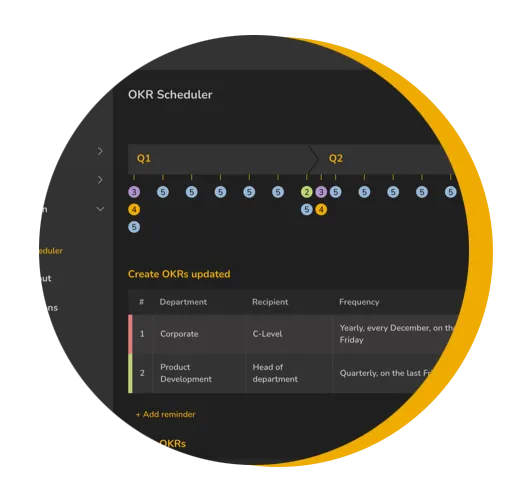
Another important innovation from ValueWorks is the OKR Scheduler. The OKR scheduling and check-in process can be mapped here so that the system automatically sends emails to the right audience with a link to the OKRs that need to be updated. Using the defined calendar, ValueWorks automatically manages the OKR process, eliminating the need for the administrator to remind employees to update their OKRs.
Customer Storys
.webp)


“ValueWorks has helped us to run our business faster, as data-driven decisions can now be derived faster, as the relevant data is now faster, easier and better understandable available for all executives.”

Co-Founder and Co-CEO at PeoplePath

.webp)
“ValueWorks ensures that everyone is working towards the same goals in the business. The ability to measure progress against company objectives at multiple levels really helps us drive business outcomes that we're looking for. Additional the AI based recommendation tool in ValueWorks really simplifies our operational performance and workflows.“
COO OF VROOZI


Content
Learn more about the challenges of the standard OKR methodology
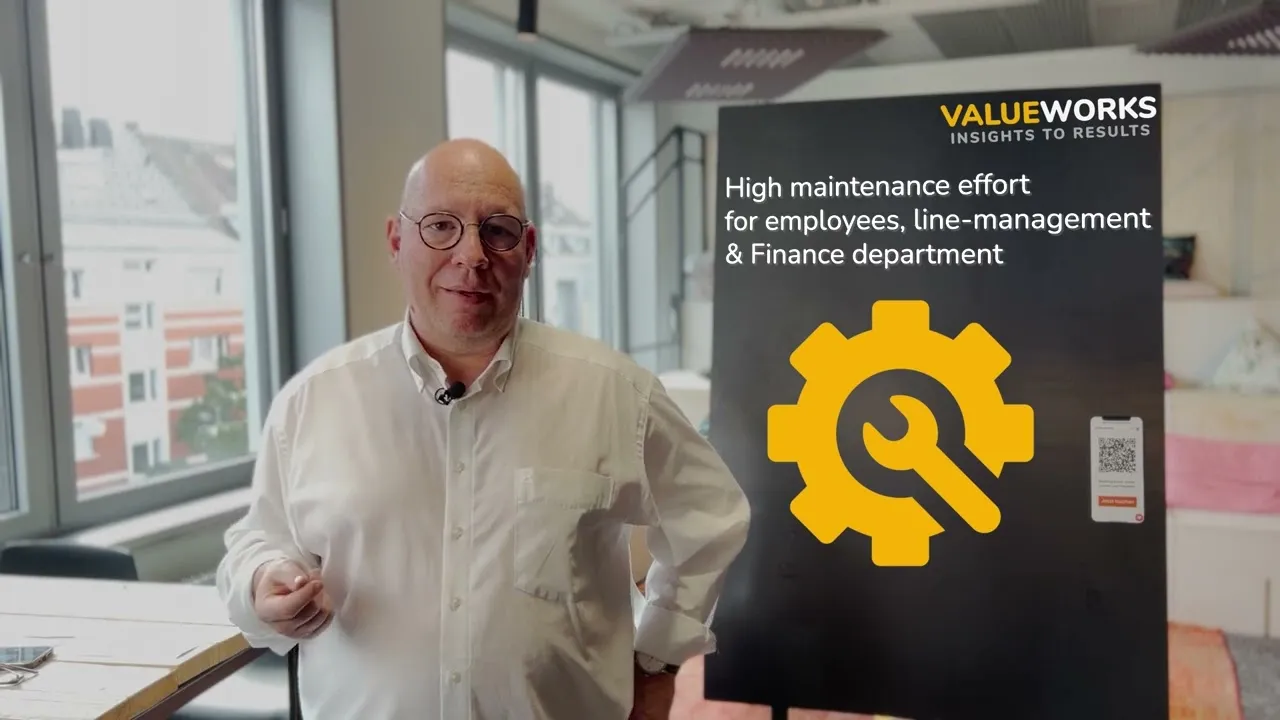
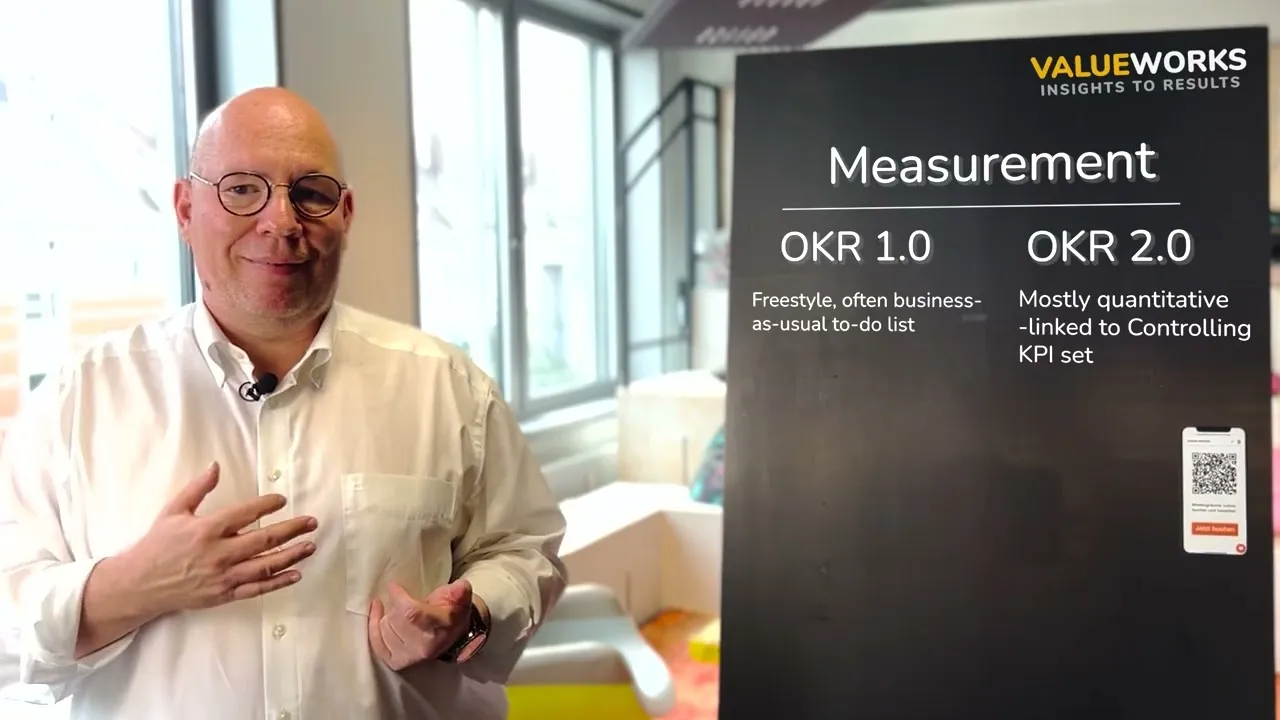
Differences Between Standard OKR Methodology and ValueWorks
Detailed demonstration of the ValueWorks OKR module with ValueWorks Co-founder and CEO
Management-ready sales reports out-of-the-box you can not get from your CRM
Why you need ValueWorks as an add-on to your CRM system to perform crucial management analysis

Whitepaper: OKR 2.0 — Mobilize your organization for growth
The benefits & implementation of the next-generation OKR method and the supporting software solution.
